DB Backup System
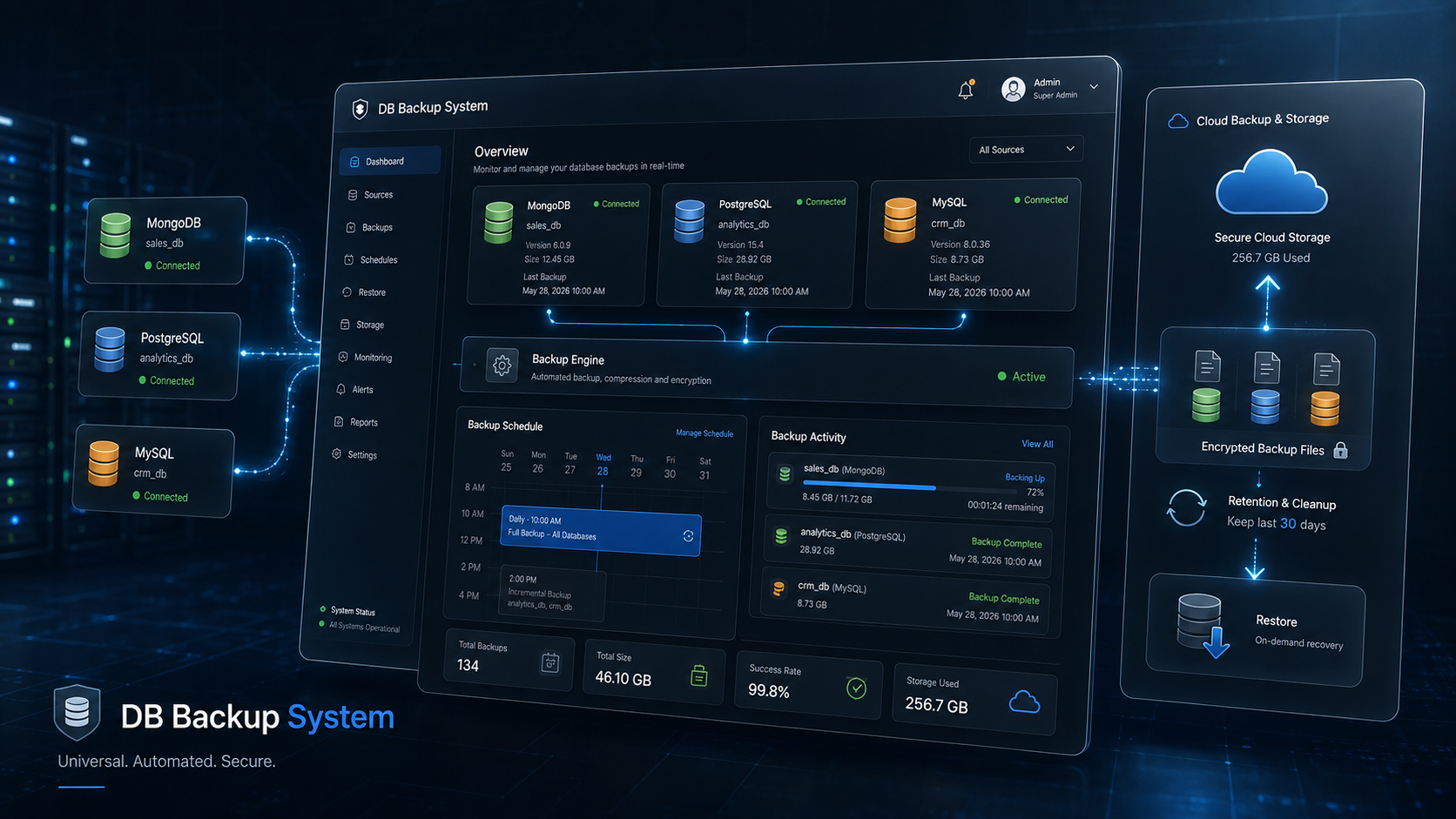
Universal backup & restore tool for MongoDB, PostgreSQL, and MySQL — automated daily backups with Google Drive sync and web + mobile management.
Overview
A universal backup-and-restore tool built after enough close calls with production databases: one system that can back up and restore MongoDB, PostgreSQL, or MySQL through the same workflow, verify the connection before trusting it with a real database, and never leave a restore in a half-applied state. The explicit goal going in was "0% error, 100% success" — so correctness and verification came before automation.
Key Features
- Multi-database support — MongoDB, PostgreSQL, and MySQL through one unified account/credential model, with a live connection check before a database is trusted for backup or restore.
- Format-safe export/import — backups can be restored to a different database of the same engine without corrupting either the source or the target.
- Scheduled, unattended automation — daily backups at a configured time (built with Playwright-driven automation for the parts that needed it), running without a human triggering each one.
- Google Drive sync with rotation — every backup uploads to a designated Drive folder, and older backups in that folder are cleaned up automatically so only the current one is kept.
- Notifications in both the API and the dashboard so a failed or completed backup is visible immediately, not discovered days later.
- Web dashboard + mobile app for managing connected databases and reviewing backup history from either surface.
Technical Highlights
- NestJS backend with native drivers for all three database engines behind one internal interface, so adding a fourth engine is an adapter, not a rewrite.
@nestjs/schedule-driven cron jobs for the daily automation, with a configurable date/time override specifically for testing schedule-dependent logic without waiting for the actual clock.- Google Drive API integration handles both the upload and the cleanup of superseded backups as one atomic-feeling operation from the user's perspective.
Impact
Production databases across the other projects now get backed up automatically every morning, land in a known Google Drive location without manual intervention, and — because restore was tested as rigorously as backup — are actually usable when they're needed, not just a checkbox that says "backups are on."